 One tap
Save your spot in an instant
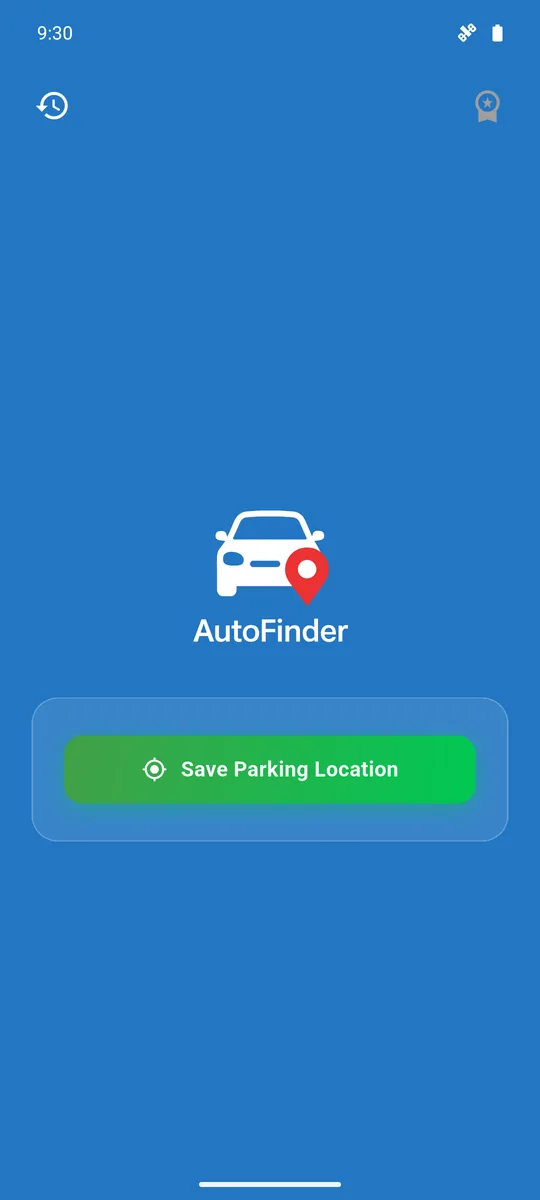
One big button. AutoFinder collects several GPS readings until the position is accurate, then turns it into a readable address using OpenStreetMap.
AutoFinder saves the exact spot where you left your car with a single tap and guides you back with a compass and a map. In the city, at the mall, on holiday.
No sign-up, no setup. Open the app and it is ready.
Press Save Parking Location. AutoFinder refines the GPS signal for a precise fix and saves it with the street address.
Add a photo of the floor, a note about the pillar or set a parking timer. The app takes care of the rest.
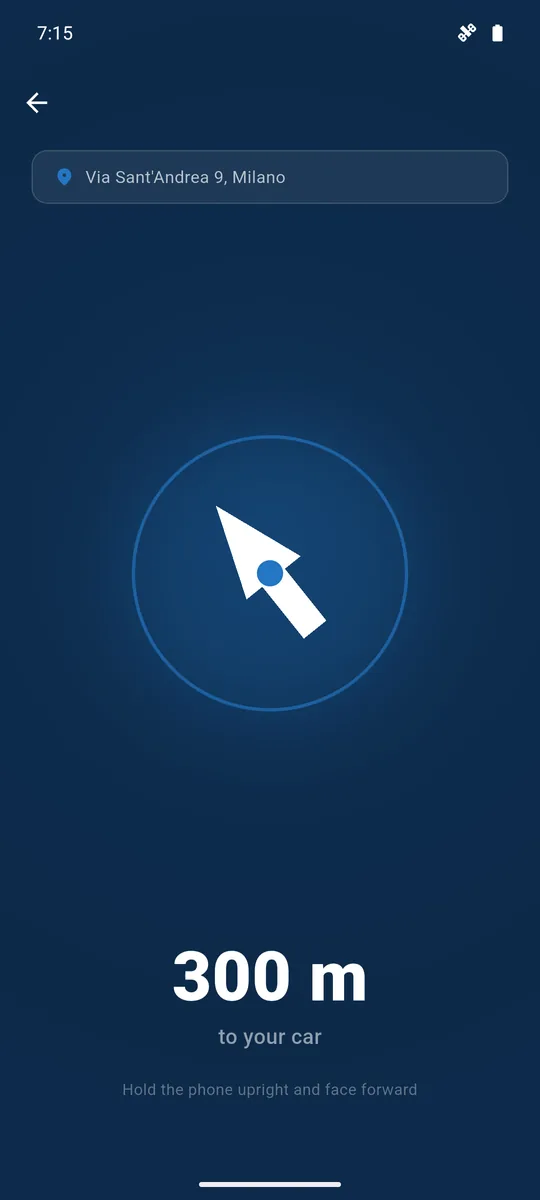
Follow the compass arrow or open the map. When you get there, AutoFinder tells you: You made it!
One tap
One big button. AutoFinder collects several GPS readings until the position is accurate, then turns it into a readable address using OpenStreetMap.
Always in control
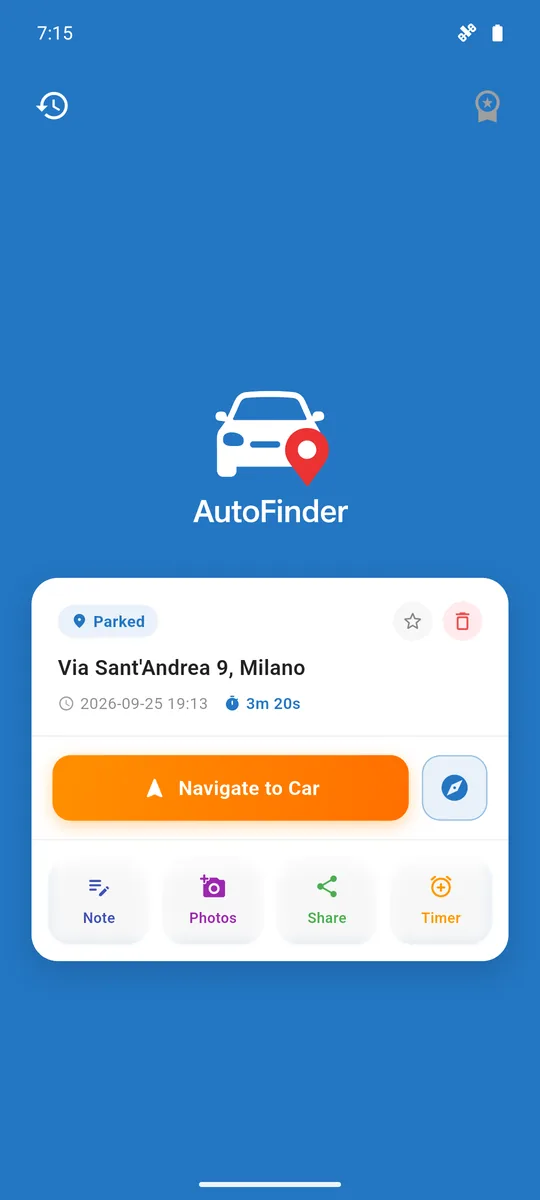
Address, arrival time and how long you have been parked, updated live. Notes, photos, sharing and timer are right under your thumb.
Compass
The compass points to your car in real time and shows the distance shrinking with every step. Perfect for huge car parks where maps are not enough.
 Map
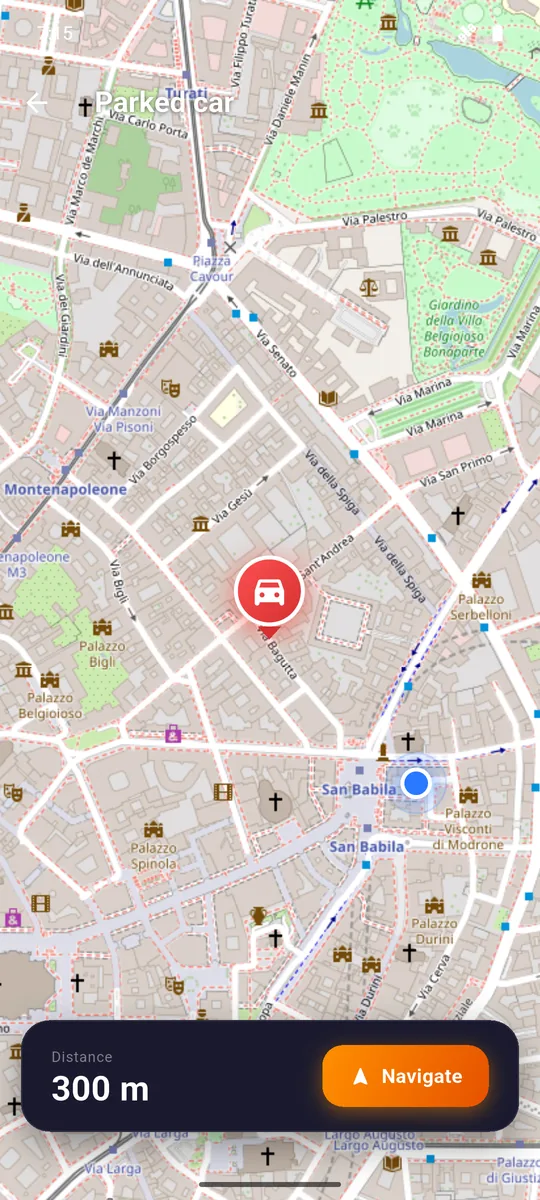
See both positions on a detailed map. Walk back or tap Navigate to open your favourite navigation app.
 PRO
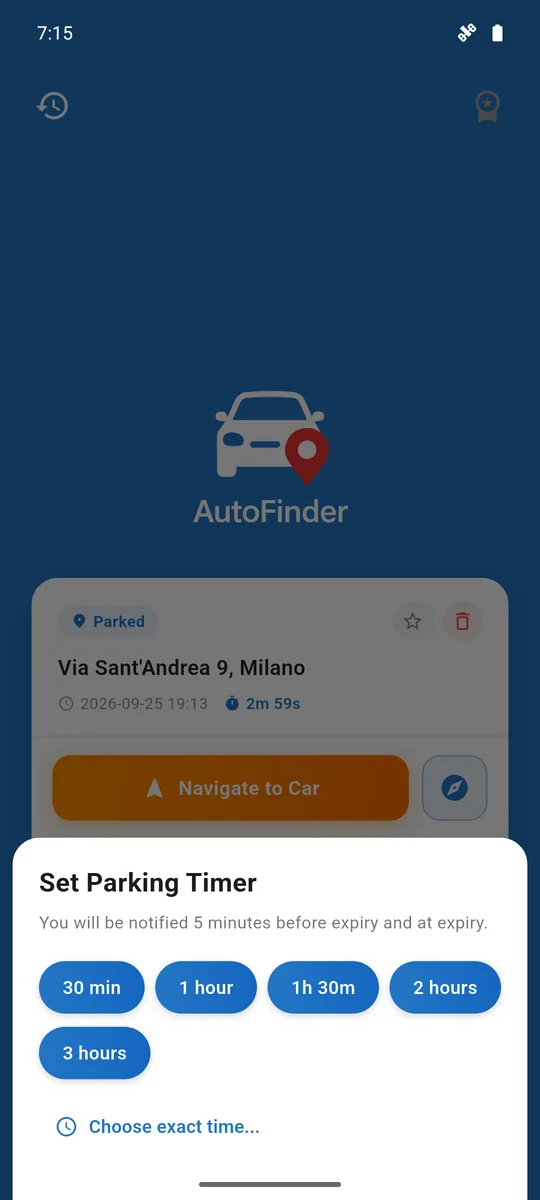
Pick 30 minutes, 1 hour, 2 hours or an exact time. Get a notification 5 minutes before it expires and another when it does.
 PRO
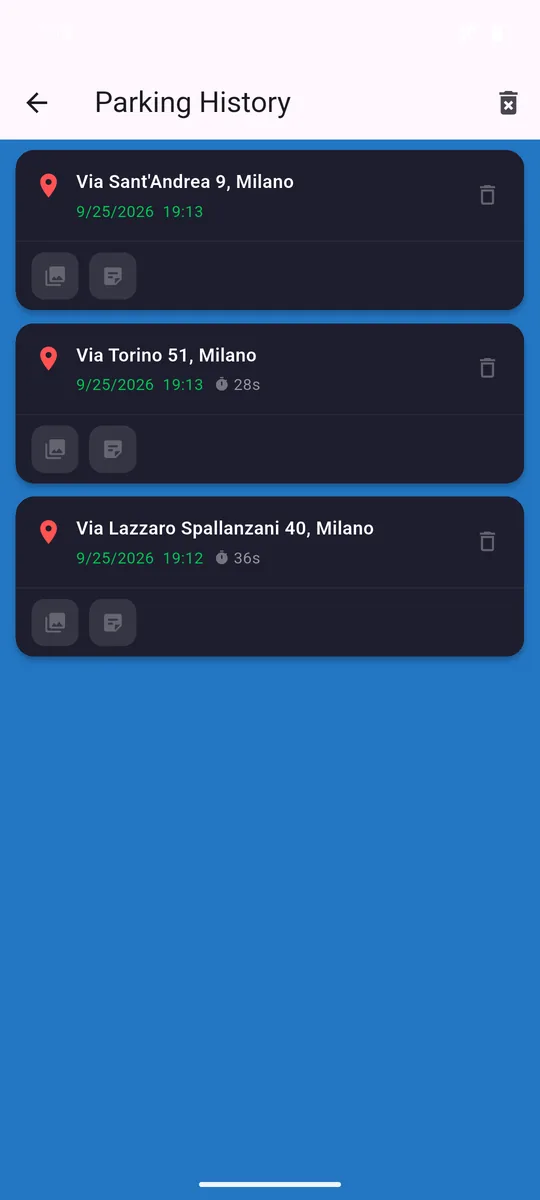
Every parking stays in your history with date, address, duration, photos and notes. Handy to remember where you went and how long you stayed.
Snap the floor number, the column or a nearby sign. In a multi-storey car park it makes all the difference.
PRORow B, pillar 14, level -2. Write it down and forget about it.
PROSend your parking spot to friends or family via WhatsApp, SMS and more.
PROHome, work, gym: save them and set them as your parking with one tap.
PROWhen you reach your car the app tells you and shows how long you were parked.
No account, no login. History, photos and notes stay on your phone. Maps and addresses come from OpenStreetMap.
This is a small simulation of the AutoFinder compass. Move the car anywhere in the box and watch the arrow turn towards it while the distance updates. Bring it to the centre to "arrive".
No subscription. A single purchase unlocks everything, forever.
0 €
Everything you need to find your car.
One-time purchase
"Park smarter. Never forget. Never be late."
Pro is purchased inside the app. New phone? Use "Restore Purchases".
Yes. The free version includes one save per week and you can unlock more by watching a short ad. With Pro, a one-time purchase, saves are unlimited and ads disappear.
No. No sign-up and no login: open the app and save your spot.
No, it is a one-time purchase through Google Play. If you switch device you can get it back with "Restore Purchases".
GPS can be weak underground. Save your location at the entrance and use photos and notes (Pro) to record floor, row and pillar.
History, photos and notes stay on your device. To get addresses the app queries OpenStreetMap with the parking coordinates.
AutoFinder is currently available for Android on Google Play.
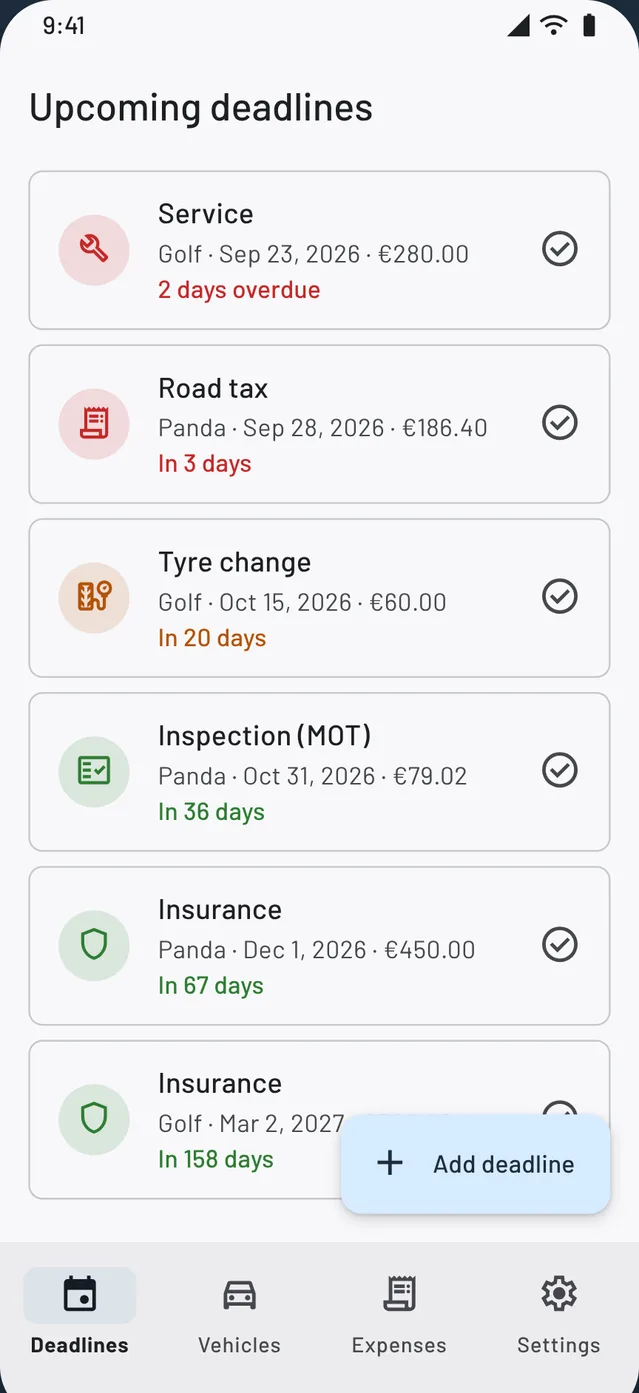
Road tax, insurance, inspection, service: Digital Garage reminds you before every deadline.
 Digital Garage
All your car's deadlines in one list, coloured by urgency. Mark one as paid and the next is created for you. No account, your data stays on your phone.
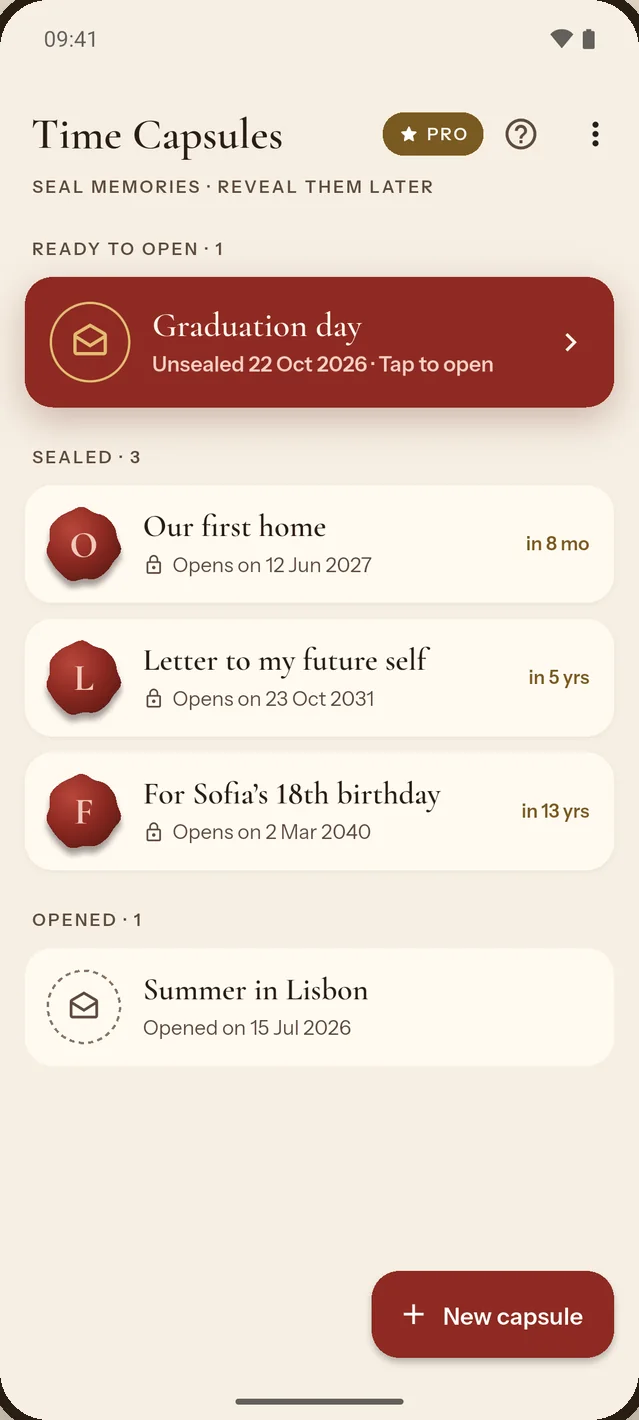
AutoFinder brings you back to your car. Time Capsules brings back your memories, on the day you choose.
 Time Capsules
Write a letter to your future self, add photos and a voice message, seal it with wax and choose the day it opens. Until then, not even you can peek.

Download AutoFinder and park with peace of mind.
Get it onGoogle Play